Screenshots
These screenshots demo what’s possible. They may use unreleased features, third-party UIs, plugins, or config changes.
Features
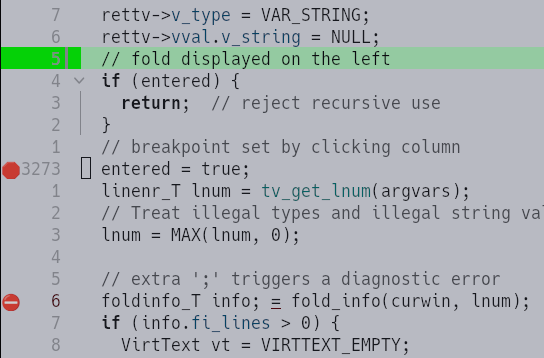
‘statuscolumn’
Customize your vertical list of indicators (breakpoints, folds, diagnostics, line numbers, …) using ‘statuscolumn’:
’tabline'
Customize how to list different views of your tabs with ‘showtabline’, ’tabline’, for instance to show the working directory and the running command:

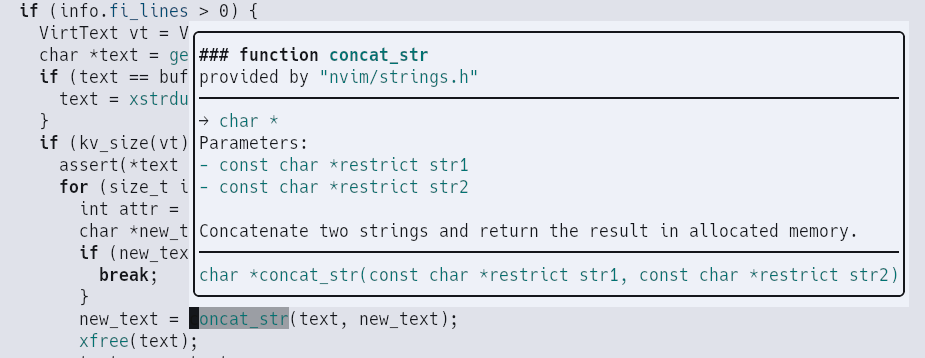
Language documentation on a whim
With your LSP servers configured, get access to documentation by just pressing ‘K’.
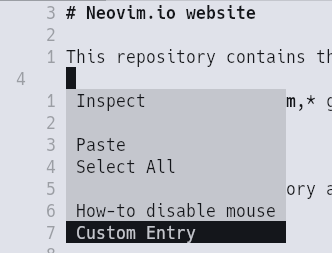
A customizable menu
Add your menu entries under the popup namespace:
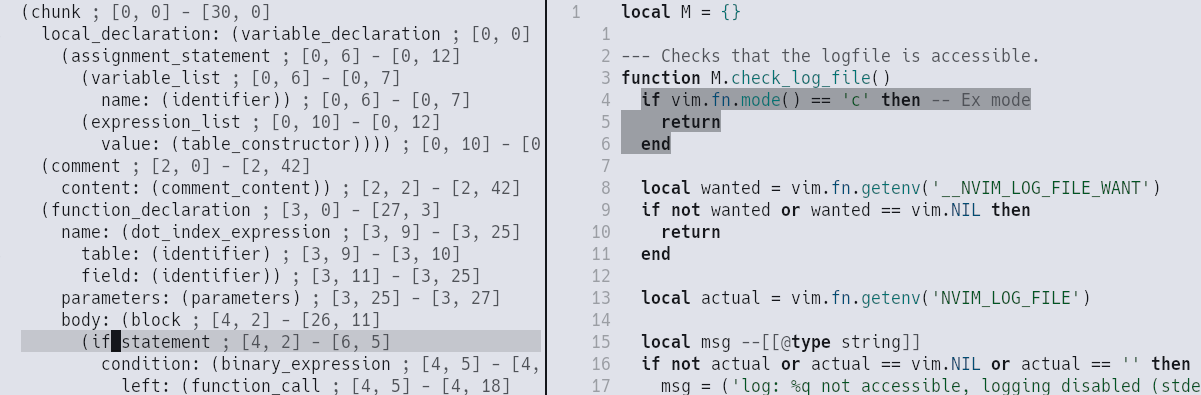
Inspect the syntax tree
Thanks to treesitter, you can navigate the syntax tree (natively for lua and C)
via :InspectTree
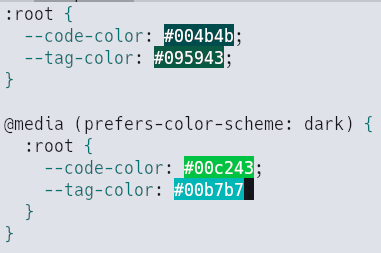
Live color preview
If your LSP server supports the feature, neovim can render colors out of the box:
New interface ‘ui2’
Enable ‘ui2’ to avoid UI messages blocking your workflow or to enable a centered cmdline (here with tiny-cmdline.nvim):

Progress
Neovim can emit ‘progress’ events the terminal can show, for instance as a blue progress bar at the top in ghostty:
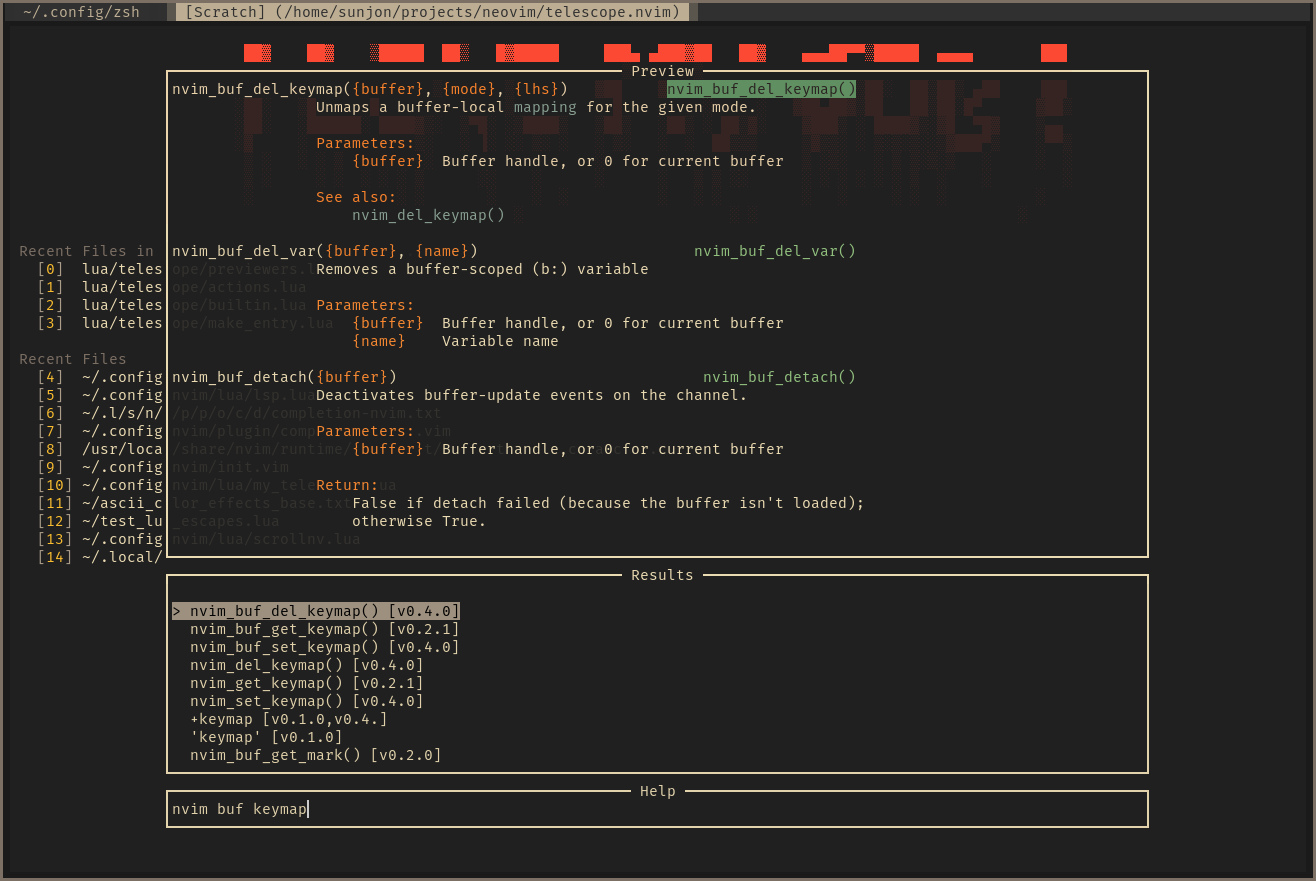
Custom Start Screen and a fuzzy finder
GUI
Graphical interfaces are not packaged with Neovim. GUIs are not limited by terminal capabilities and can choose to override the rendering of certain neovim elements (cursor, tabline, popup menu, etc). This section showcases only a handful of them, see Neovim’s wiki for a list of many of the available GUIs.
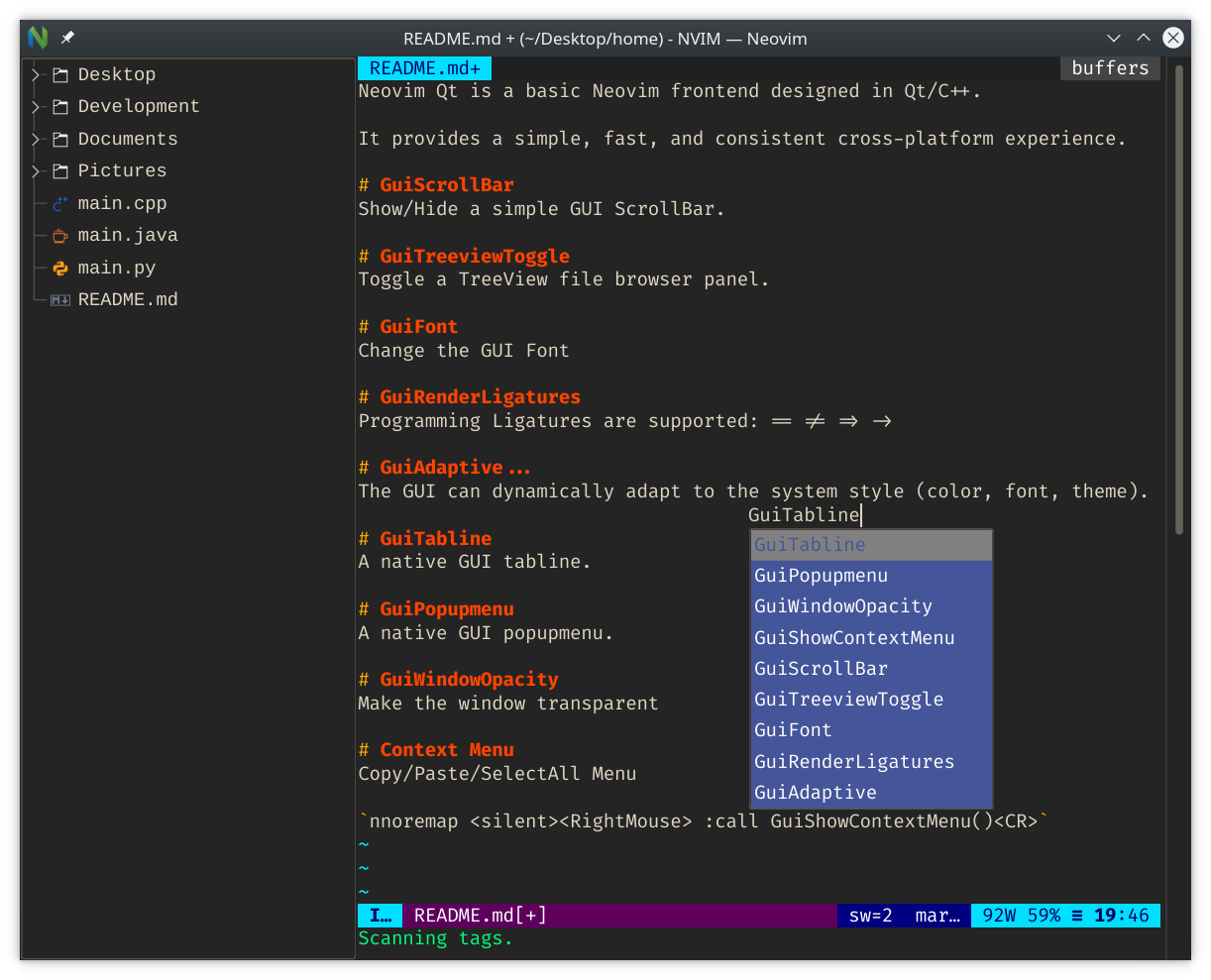
Treeview and an externalized popup menu in Neovim Qt
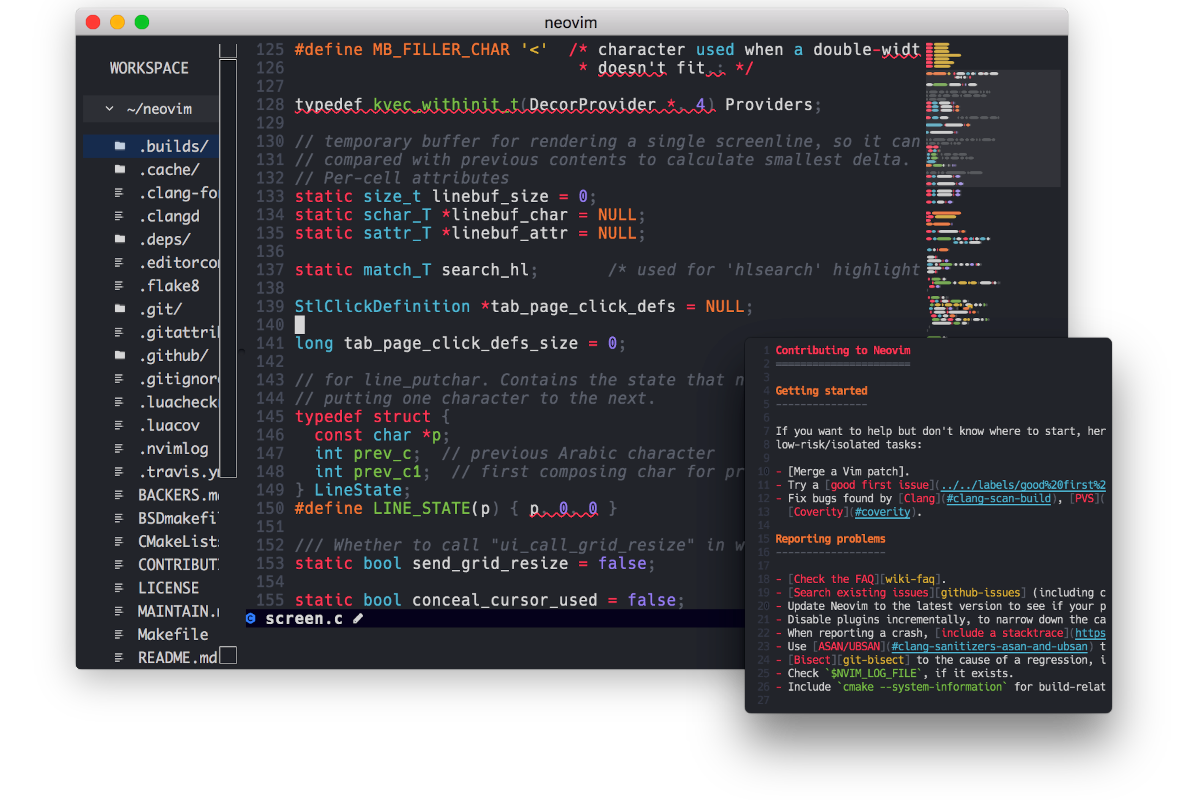
Minimap and externalized window in Goneovim
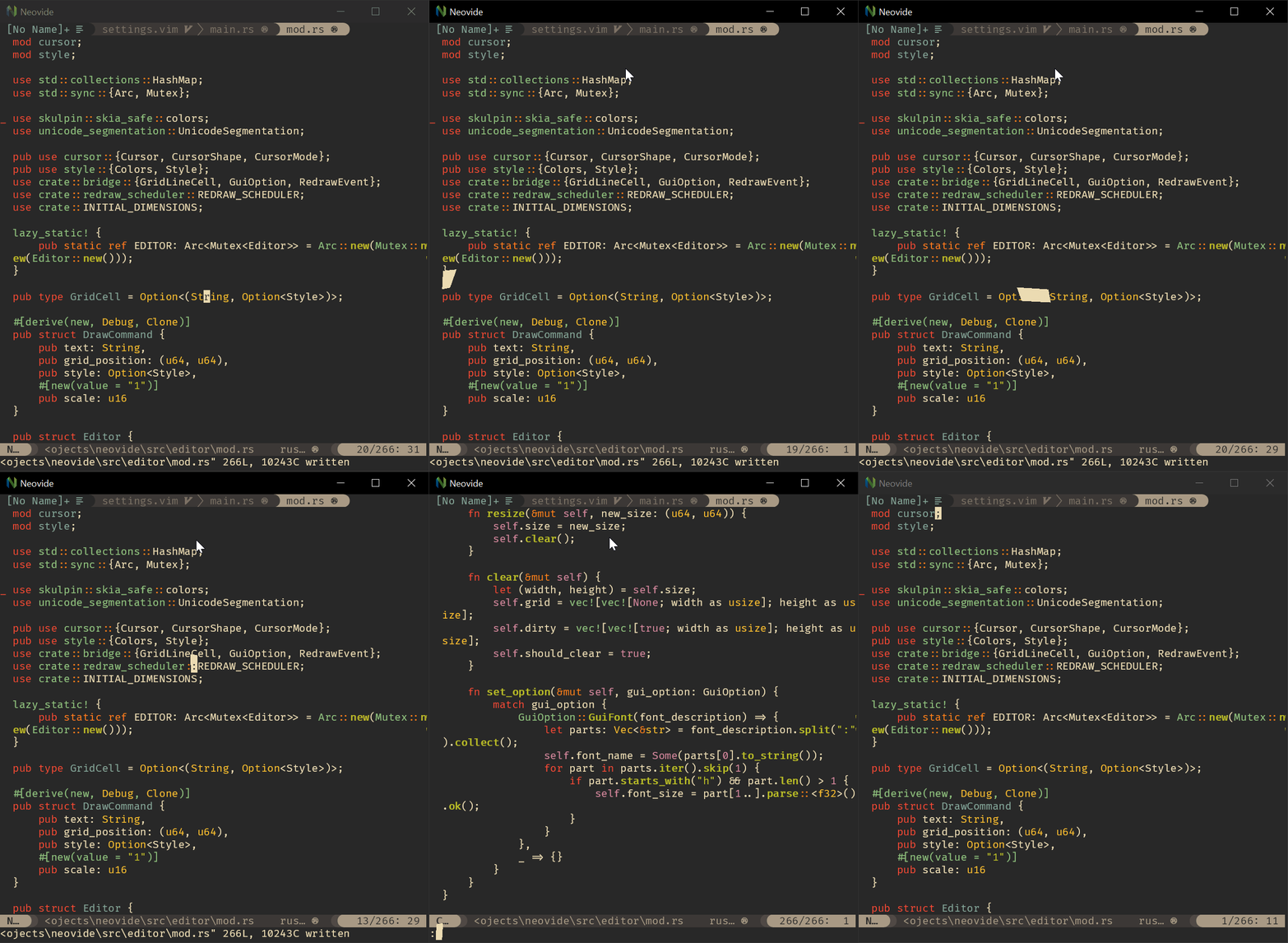
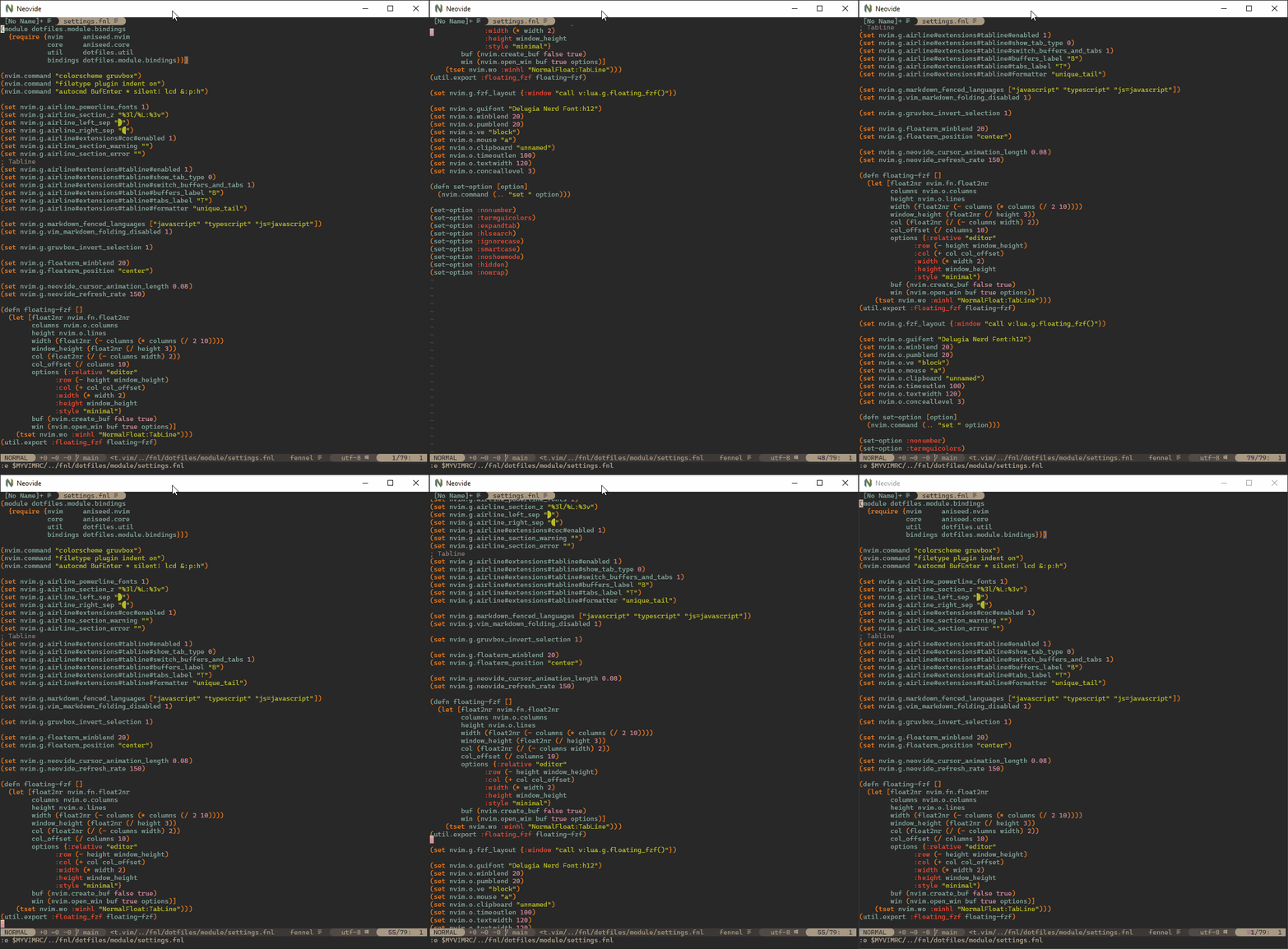
Animated cursor and smooth scrolling in Neovide
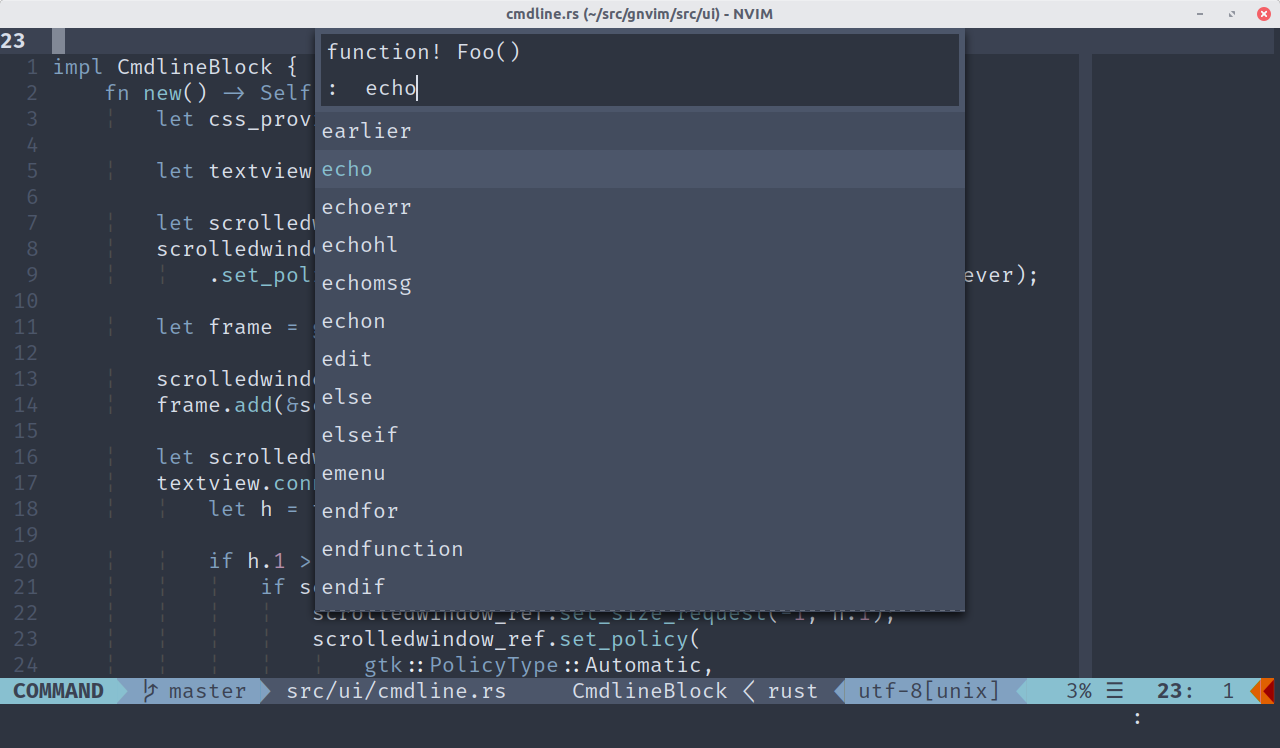
Externalized command mode in GNvim
What is Neovim?
Neovim is a Vim-based text editor engineered for extensibility and usability, to encourage new applications and contributions.
Discuss
Visit #neovim:matrix.org or #neovim on irc.libera.chat to chat with the team.